
Locker Vending Systems
DMVI locker vending systems help organisations automate secure pickup, delivery, storage, and controlled-access workflows without forcing every handover through a staffed counter. From parcel collection and employee issue/return programs to food pickup, devices, tools, and high-accountability storage, the right locker system removes friction while keeping custody clear.
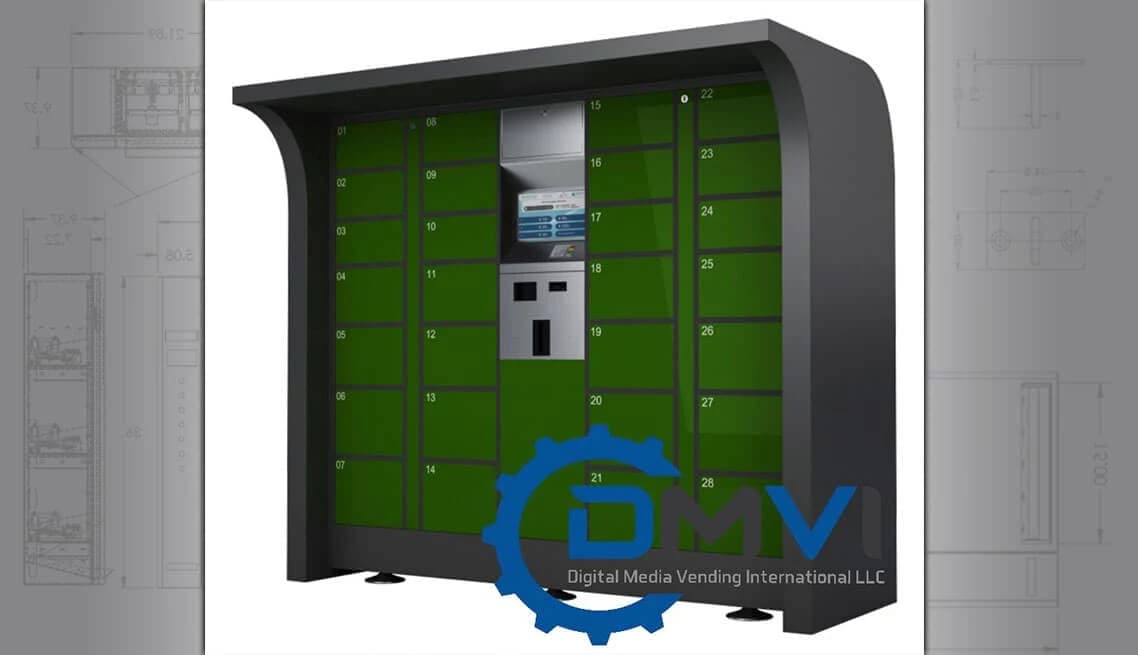
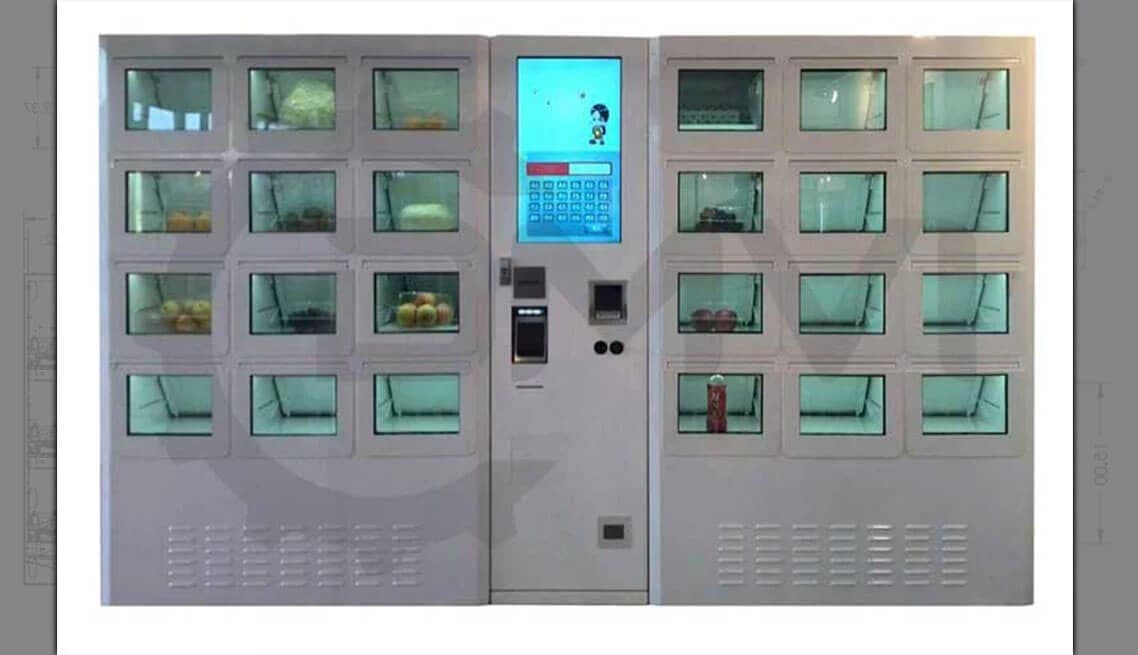
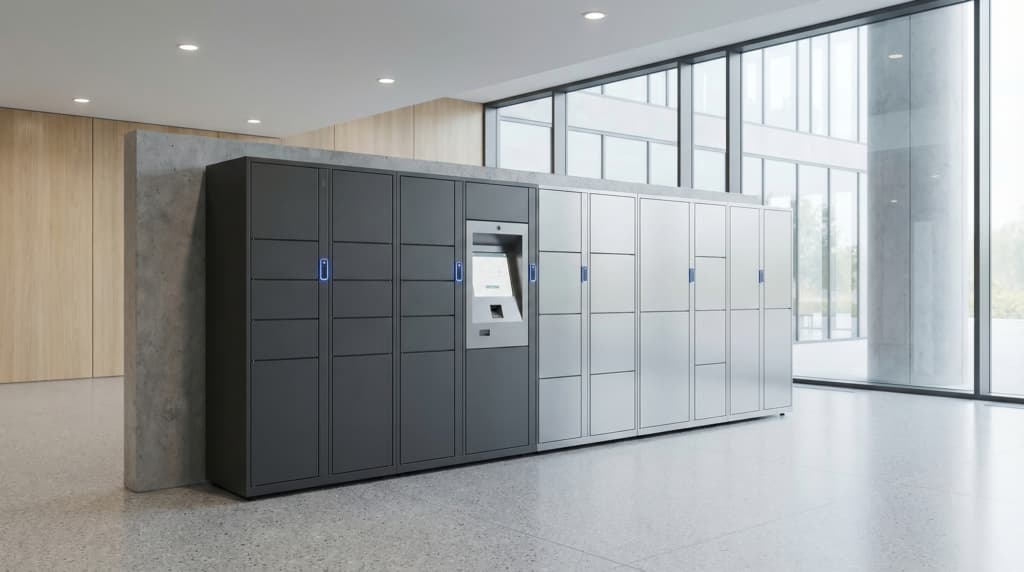
Why buyers actually ask for these
Storage and handover without the staffing drag
Most locker enquiries are really about reducing handoff friction, not buying metal boxes. Staff time vanishes into parcel collection, device issue, food pickup, missed deliveries, and general operational faff.
A well-scoped locker vending system lets items be deposited, held securely, and collected on the recipient’s schedule while every access event is authenticated and logged.
If you want the broader overview first, you can also review our electronic lockers hub.
Core commercial advantages
- No supervised handovers: users collect when convenient instead of tying up staff.
- Controlled access by design: QR, PIN, RFID, barcode, or app-based authentication keeps custody clear.
- Operational visibility: occupancy, exceptions, and alerts can be monitored remotely.
- Configurable for the workflow: ambient, heated, chilled, workplace, parcel, food, and asset-control use cases do not need to be forced into one generic locker story.
Locker vending systems for multiple workflows
The right locker system depends on what is being stored, who is accessing it, and how the workflow operates. We scope from the workflow up instead of pretending one standard product suits every job.
Parcel & click-and-collect lockers
For retail, logistics, residential, and collection workflows where couriers or staff deposit items and recipients collect them without a staffed handover.
Food pickup lockers
For restaurants, canteens, campuses, hospitality sites, and prepared-food workflows that need a cleaner collection process than counter queues and name-checking.
Temperature-controlled lockers
For chilled, heated, or specialist hold conditions where the locker system is part of the operational requirement, not just the furniture.
Asset management lockers
For tools, laptops, tablets, PPE, radios, keys, and other accountable equipment that needs issue, return, and audit visibility.
Employee & workplace lockers
For day-use storage, hot-desking environments, device issue, and managed access programs where a fixed-locker mindset is the wrong fit.
Restricted-access storage
For sensitive handovers, secure document exchange, controlled-access inventory, and higher-accountability environments that need a clear chain of custody.
Multiple access methods. One managed system.
Authentication should fit the environment, not the other way round. Public-facing collection points need a different experience from staff lockers or restricted asset-custody programs.
QR code
Low-friction access for parcel, food, and general pickup workflows where users need a quick open-and-go experience.
PIN code
Simple numeric access for users who do not need an app-based or badge-based workflow.
RFID / NFC card
Tap-to-open access for staff programs, workplace environments, and asset-control systems integrated with an existing badge culture.
Barcode
Useful for order-based collection, inventory release, and higher-throughput workflows that need a machine-readable handoff path.
Mobile / app access
Supported where the deployment and user base justify a more app-led or phone-led user journey.
Operator override
Authorised administrators can reassign, open, clear, or troubleshoot compartments through the management layer when exceptions occur.
Operational oversight, not just a control panel
Live occupancy and status visibility
See which compartments are occupied, empty, overdue, faulted, or waiting for collection without walking the hardware estate.
Alerts and exception handling
Surface uncollected items, failed access attempts, temperature issues, and maintenance conditions before they turn into operational grief.
User and permission management
Create, assign, and revoke access for individual users or groups, including rule-based access structures where the workflow demands them.
Transaction reporting
Maintain a usable log of deposits, collections, access attempts, and overrides for review, accountability, and compliance-sensitive use cases.
Multi-site oversight
Manage more than one locker bank across locations from a central interface when the deployment grows beyond a single site.
Integration pathways
API and software-side capabilities vary by system, so the software conversation is scoped alongside the deployment rather than waved away with generic promises.
Scoped around the workflow, not the locker catalogue
- Workflow-first scoping | The right locker vending system starts with who deposits, who collects, what timing matters, and what happens when something goes wrong.
- Commercially realistic configuration | Locker systems vary materially in size, access method, thermal capability, software depth, and deployment environment. The sensible answer depends on the real job.
- Practical deployment thinking | Power, connectivity, branding, environment, serviceability, and day-to-day usage are part of the plan rather than awkward surprises left for later.
- B2B-led supply process | DMVI handles enquiries commercially, with proper scoping, realistic lead times, and straight conversations about fit, capability, and budget.
Tell us about your locker workflow
Share what is being stored, who needs access, whether temperature or compliance rules matter, what environment the system will live in, and any software constraints — then DMVI can recommend the right locker vending configuration.
Frequently asked questions
A locker vending system is a managed self-service locker deployment that handles secure deposit, storage, pickup, permissions, and reporting. It is closer to an operational workflow system than a simple bank of lockers with electronic locks.
Common uses include parcel collection, click-and-collect, employee device issue and return, food pickup, PPE distribution, secure storage, and other controlled-access handover workflows.
Yes. Heated, chilled, and other temperature-controlled configurations are available for the right workflows, but they need to be scoped deliberately rather than treated as a standard ambient locker assumption.
Depending on the system, access can be managed through QR code, PIN, RFID/NFC card, barcode, mobile-app workflows, and authorised operator override.
Branding options often include vinyl wraps, printed panels, and certain software-side visual treatments. The exact scope depends on the product line, order volume, and lead time.
Start with what is being stored, who needs access, whether temperature or security rules apply, what software/reporting matters, and where the units will live. That gives DMVI enough context to recommend the right deployment shape rather than guessing from a catalogue label.